When AI Fails at SVG
Right after finishing the software with the help of ever-capable AI, Poor Richard thought: “Oh, I need a logo—for a favicon, branding, or a home page hero.”
So he had the same AI write a prompt and sent it to the product maestro nano banana gemini 3.1 pro, making sure to include the keywords “minimalist” and “flat”:
“A minimalist flat vector logo design, perfectly square aspect ratio. The image shows a stylized hand with fingers positioned as if typing on a minimal set of keyboard keys. The wrist and forearm of this hand transform smoothly into the structure of a sports racket (like a tennis or badminton racket) with a netted head. The entire composition is static. The style is strictly flat design with clean lines, geometric shapes, and a limited solid color palette (no gradients or 3D effects). The background is completely transparent, isolated subject. Suitable for a modern tech-sports brand mark.”

Poor Richard was pleased: “Looks pretty good, I can use it, and it was quick.” But after he downloaded the image, he realized it wasn’t SVG.
Usually, phone photos and AI-generated images are raster graphics. SVG, mentioned earlier, is vector graphics—and it has some superpowers compared to raster.
Think of aerial photos for raster and maps for SVG vectors. Aerial photos capture tons of detail and color; zoom in and every pixel in a small area can be different, so they store a lot of information. That makes files large and can hurt performance, so there are many tricks to reduce the impact—from better compression to serving different image sizes for different screens. With a map, we don’t record every pixel. We only record that Taipei is in the north, Taichung a bit south, which roads connect them, whether those roads are straight or curved—and leave the rest blank. When the software has to display an SVG, it draws it in real time from that description at whatever size is needed. The map data doesn’t care about screen size; the files stay small and quality holds up at any zoom.
So for logos, icons, background patterns, workflow diagrams, display type, or layout, vector is a great fit. Using vector where possible in software avoids the performance hit of big raster assets and cuts down on optimization work.
“Well, this time AI isn’t so almighty.” A resigned Poor Richard changed the prompt and asked Gemini 3.1 pro to output SVG instead—because if you don’t explicitly ask the AI for SVG “code,” it tends to fall back to Nano Banana and produce raster.
A while back, Poor Richard had been burned by AI-generated SVG and had read a benchmark comparing LLMs using a pelican on a bicycle. Those sorry birds and wheels had already lowered his expectations for LLM-made SVG.
Then, a few days ago, he saw Gemini 3.1 pro’s ad: a cool pelican riding a bike, and not just as SVG—as an SVG animation. And not only the pelican; the frog rode a bike and the giraffe drove a car. Poor Richard held a sliver of hope and hit enter in Gemini 3.1 pro:
“Generate the clean SVG source code for a minimalist, flat-design logo meant for a square viewbox (e.g., viewBox=“0 0 500 500”).
The central element is a stylized, static representation of a hand typing on a simplified keyboard. The unique aspect is that the forearm seamlessly morphs into the handle and head of a sports racket (either badminton or tennis, simplified with basic string patterns).
Style Requirements:
Minimalist & Flat: Use only solid colors (no gradients, shadows, or textures). Keep shapes geometric and clean.
Logo Usage: The design should be bold, clear, and scalable.
Background: The SVG must have a completely transparent background; do not include any background rectangle fill.”
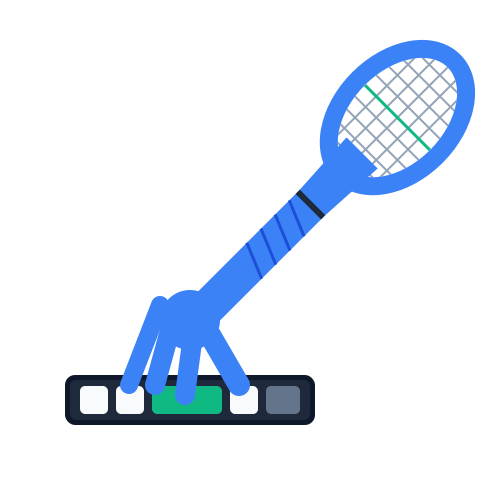
Poor Richard’s heart broke again…
But he didn’t give up: “There has to be a way to turn raster into SVG.”
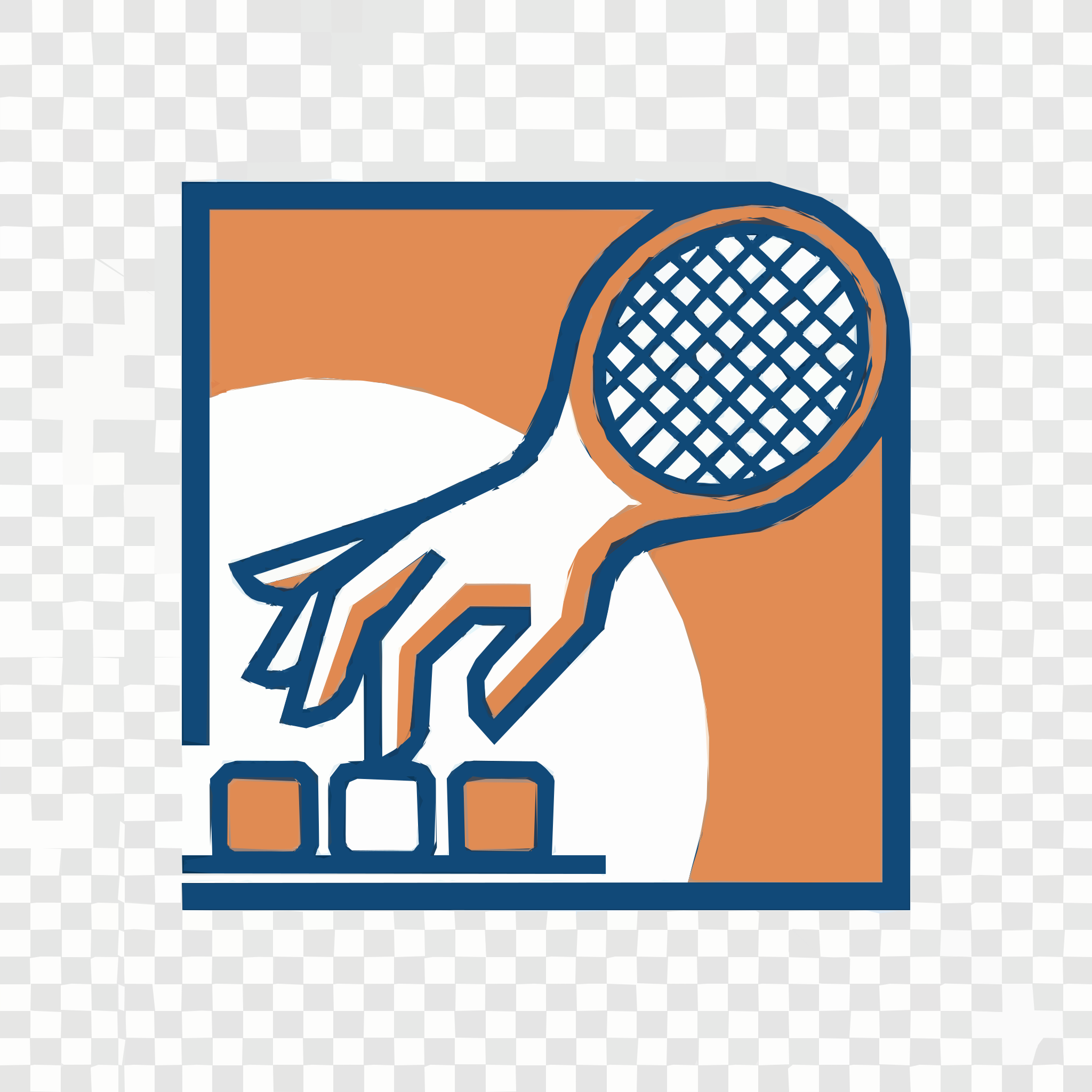
He tried the free online raster-to-SVG service picsvg.com. It uses a classic conversion algorithm; the output had too much unwanted detail, the conversion parameters weren’t adjustable, and the result wasn’t great. He did like the manual option to remove details from the result.
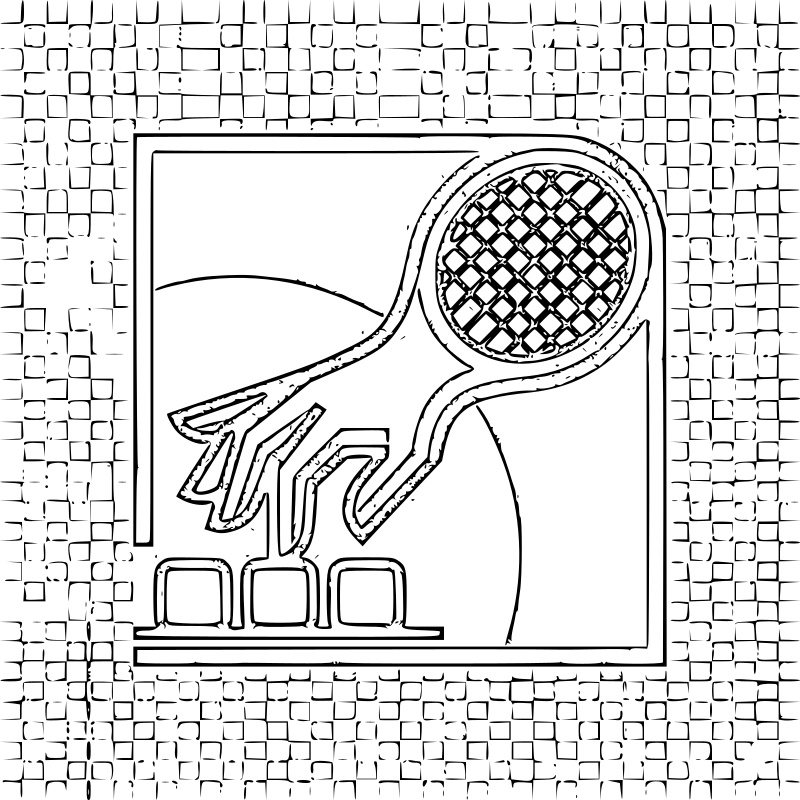
Next, Poor Richard turned to StarVector, an LLM-based vector generator that’s heavy on VRAM. With no Hugging Face Inference Providers available, he had to download it and install a pile of dependencies to test. Even with a MacBook Air M2 maxed out with 24GB unified memory, it wasn’t enough to get a result, so he dropped that approach.
Poor Richard saw that Figma Professional had just launched Vectorize, and on X someone recommended the veteran Vector Magic in the replies. The demos looked good, but Poor Richard is too poor—he ruled out pricey Vector Magic and kept Figma Professional as a fallback.
“When AI can’t do it, fall back to human effort.” Poor Richard, stubborn like Bruce Willis, hadn’t quit. Handy Affinity is free now; Poor Richard isn’t great at drawing SVG from scratch, but tracing with Bézier curves was doable. In the end, he spent some time tracing and was happy with the result—the file was much smaller than raster, and he felt good about adding another skill.
Human nature being what it is, we want more. Even though he was satisfied with the hand-traced quality, Poor Richard got greedy: “It’s way faster and nicer than drawing from zero, but could it be even faster? What if one day I need a whole icon set?”
He looked into ComfyUI-ToSVG. He followed Papaya’s example videos, asked the LLM a few questions, and started exploring ComfyUI. He tried raster-to-color SVG first.

The workflow was fast and the UI made sense, but the output wasn’t satisfying—still too much unnecessary detail. Adding a path-simplify node helped a bit.
Finally he tried raster-to-monochrome SVG; the result was surprisingly good—not far from his hand-traced version, but much faster.

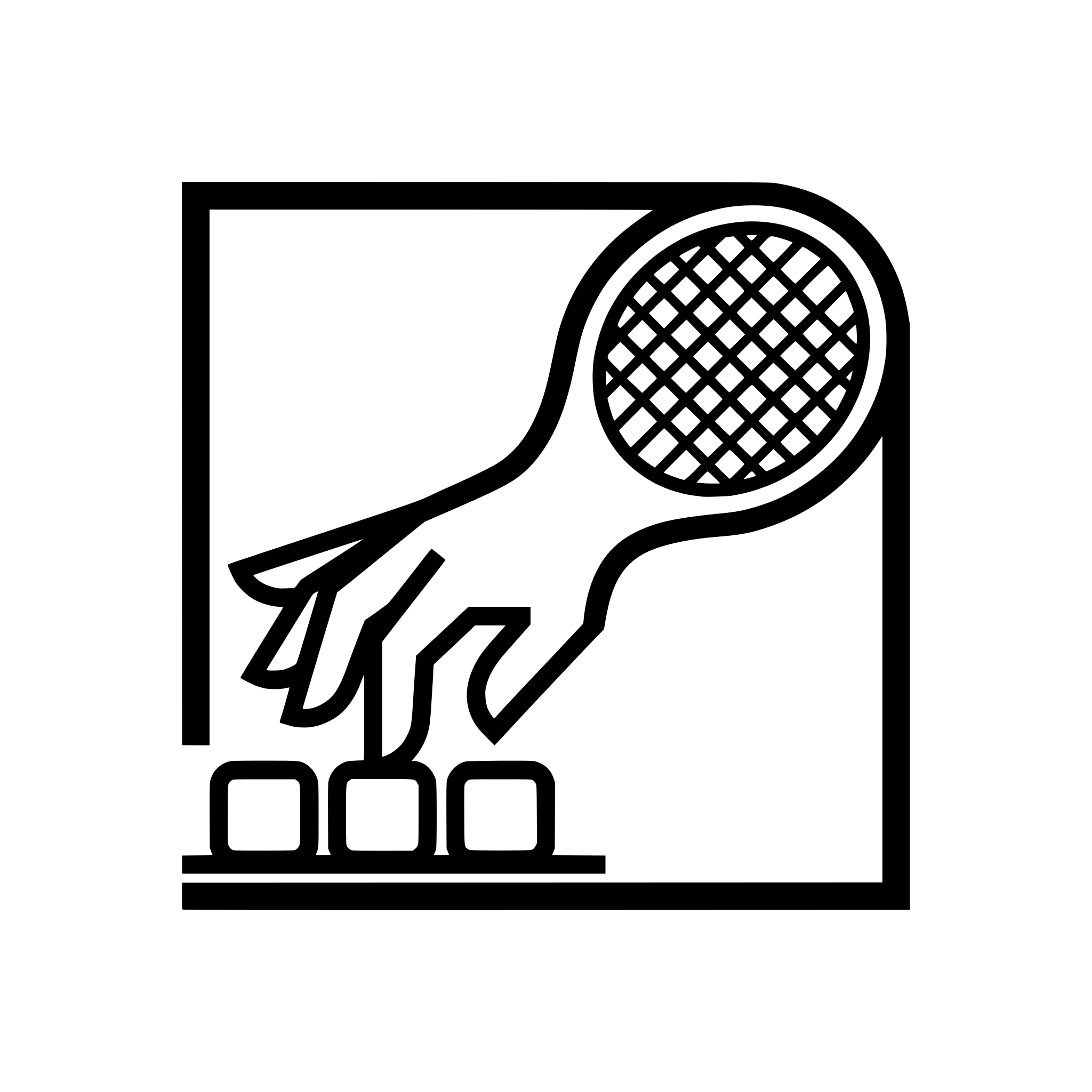
Poor Richard is satisfied… for now.
As large models improve quickly, these AI vendors may well prioritize SVG in training, and one day prompt-to-SVG might become reliable enough that all these workarounds are unnecessary and a single prompt does the job end to end. Still, whenever AI output doesn’t quite meet our bar, a bit of manual skill will keep its value.
Software developers, writers, composers, lawyers—those whose jobs are said to be under threat from LLMs—our ability to adjust and refine by hand is the same. In Chinese we say “adding the eyes to the dragon”: once the rest of the dragon is painted, you add the crucial eyes and the dragon comes alive. Today, AI handles much of the tedious code; we still often need to inject the critical soul into the product. Human judgment and taste still matter… at least for now.